Course access
Use this route if a course, module or resource is not opening as expected.
- Page or module link
- Account/access context

Support
Use this page when you need help choosing where to start, opening a module, reporting a technical issue or asking a question about the ENT Induction learning content.
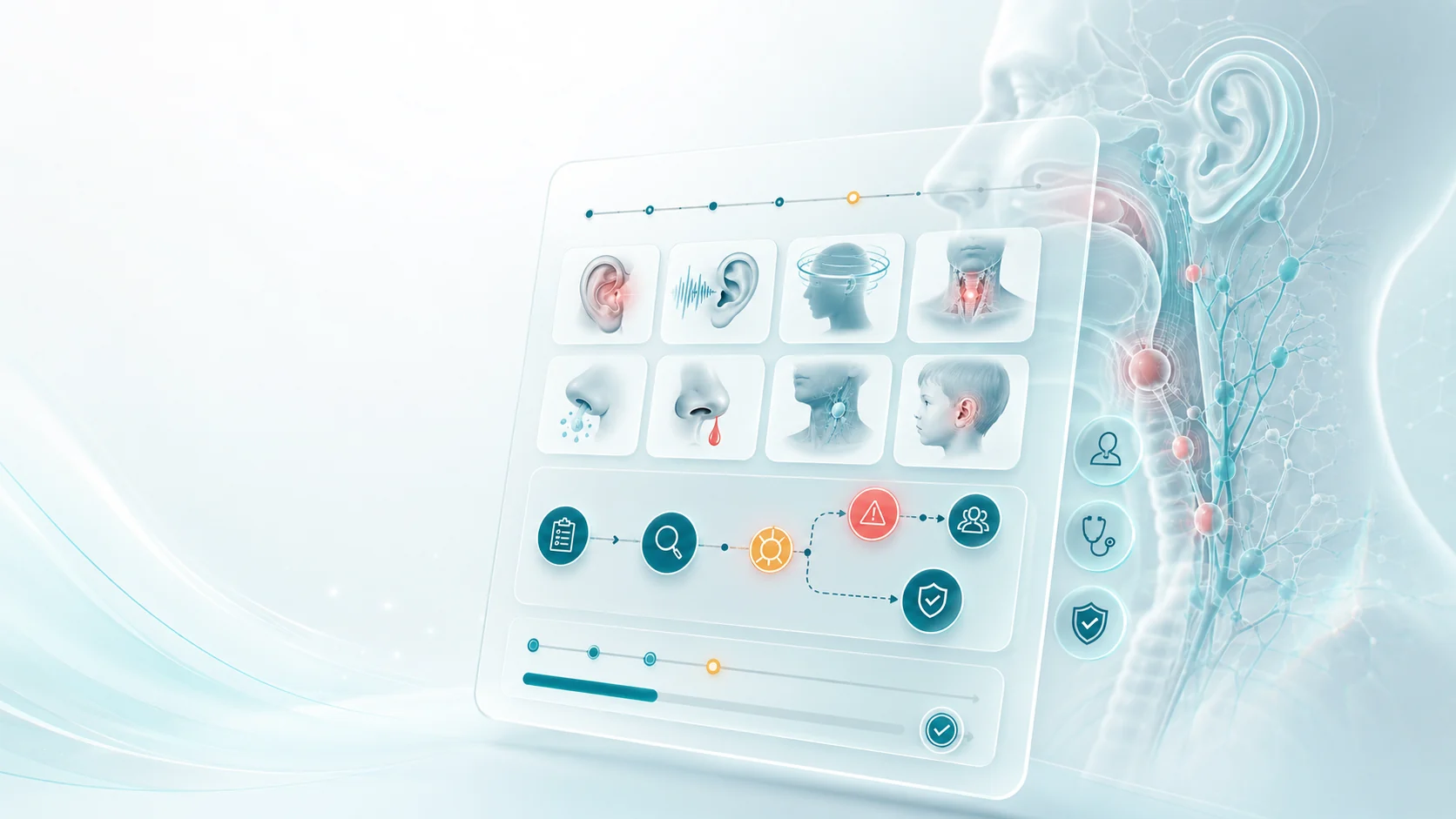
Choose the closest match. The support form below can handle access questions, technical issues, course queries and general learning-route guidance.
Use this route if a course, module or resource is not opening as expected.
Ask where to begin if you are new to ENT, preparing for placement or revising a specific topic.
Report display, browser or device issues that get in the way of learning.
Ask about a topic, module or article that needs clarification or practical signposting.
Choose the support route that best matches the problem.
Choose the route that best matches your question so the next step is clear.
Many questions can be answered by moving straight to the courses, blog, About page or legal pages.
Jump to the pages learners commonly need before sending a support request.
A little context helps make support faster and more useful.
Include the course, module, blog article or page where the issue appeared.
Explain what you were trying to do, such as starting a module or choosing a revision route.
For technical issues, include browser, device and whether the problem repeats.
ENT Induction is for learning. Urgent clinical concerns need local clinical escalation.
Use the form for access, technical, course-content or learning-route questions. Include the page or module involved whenever you can.
Tell us what you need help with. Include the page, course or module involved where possible.
Required fields are marked clearly. Submissions are stored in WordPress for follow-up.

Quick answers for common support questions before using the form.
No. ENT Induction is an educational resource. Clinical decisions should be made with local guidelines, supervision and appropriate escalation.
Include the page, module, browser, device and what happened. A short description of the expected behaviour is also useful.
Start on the Courses page, then use the route finder to choose between anatomy, placement preparation, on-call topics or focused revision.
Yes. Use the support form and include the module or article title with the specific point you want clarified.
Return to the live course catalogue and choose the next module that matches your current clinical exposure or revision need.